Configuración rápida
De "crear cuenta" a un empleado con IA funcionando en unos dos minutos.
Charlie se configura en tres pasos, y ninguno necesita manual — pero aquí está el recorrido completo para que sepas qué esperar.
Entra a app.charlieassistant.ai y crea tu espacio de trabajo: nombre del negocio, tu nombre, correo y una contraseña. Charlie te envía un código de seis dígitos por correo para confirmar que eres tú — escríbelo y caes directo en la configuración.

Paso 1 — tu negocio, con tus propias palabras
No hay listas de industrias. Cuéntale a Charlie qué hace tu negocio como se lo contarías a un empleado nuevo — servicios, precios, particularidades, lo que sea. Charlie recuerda cada detalle y lo usa en llamadas reales. Luego agrega tu celular: ahí es donde Charlie transfiere a quien necesita hablar con una persona.
Pasos 2 y 3 — tu número, tus datos
Charlie le da a tu negocio su propio número de teléfono. Conservas tu número de siempre y desvías las llamadas perdidas — el asistente te muestra los códigos exactos de tu operador y verifica el desvío con una llamada de prueba real.
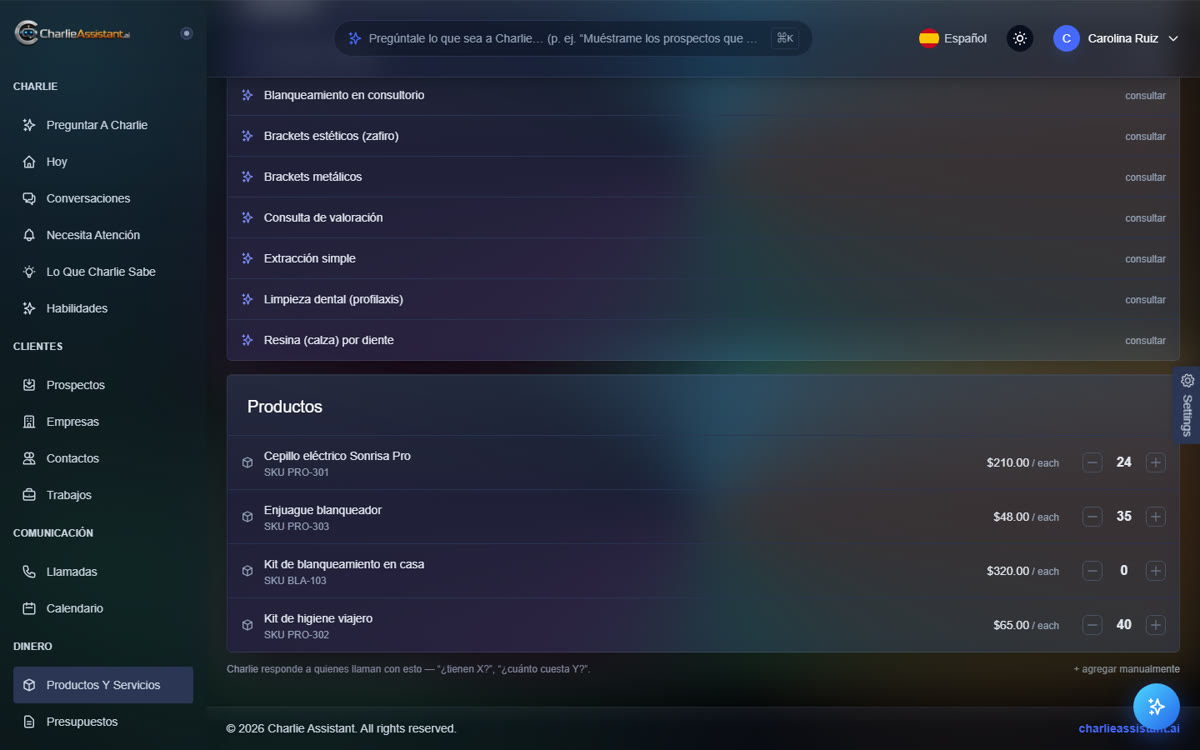
Por último, trae tu negocio contigo: sube listas de precios, hojas de cálculo con clientes o una exportación de tu sistema anterior, y Charlie lo lee todo y configura solo tus productos, servicios y clientes.