Configuring Charlie's voice & tone
What Charlie says, how it sounds, and the languages it speaks.
Charlie answers as YOUR business — "Thanks for calling Harbour Dental Studio, I’m Charlie" — warm, concise and professional by default.
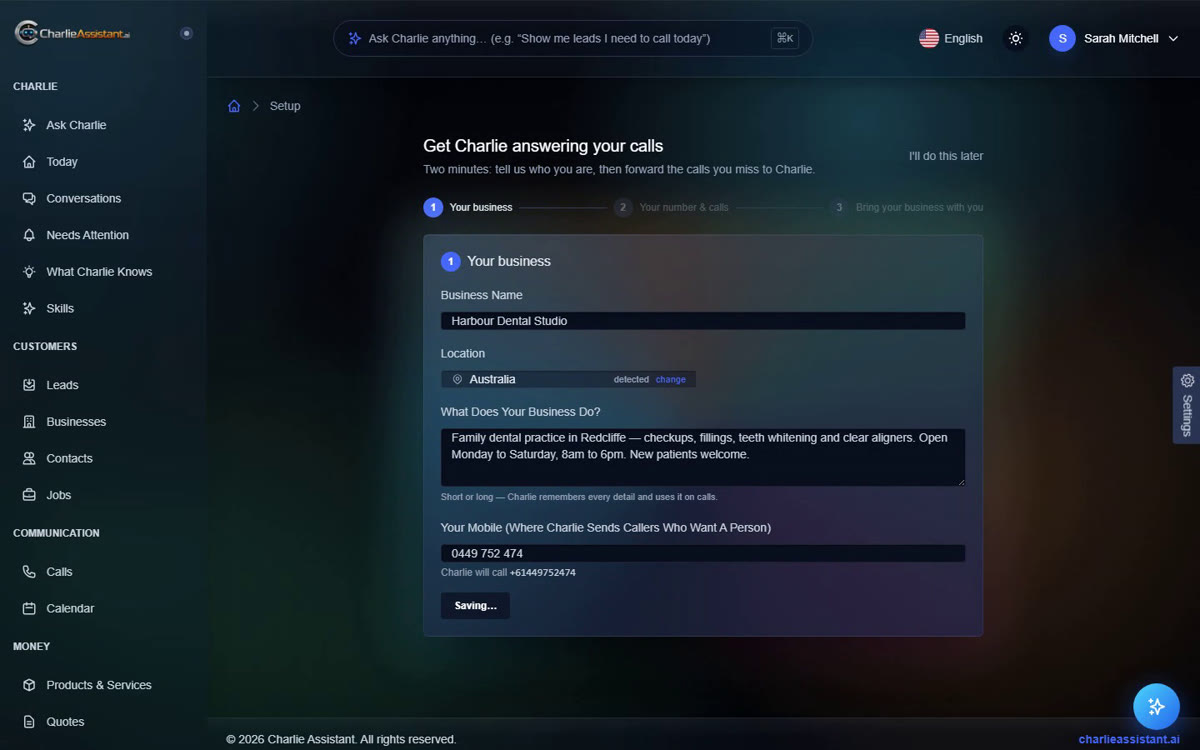
The single biggest lever is the business description you wrote in setup. Charlie grounds every call on it: services, prices, policies, the way you describe yourself. Update it any time in Setup — the change applies to the very next call.
Languages
Charlie is bilingual. English-speaking businesses get natural Australian English; if a caller answers in Spanish, Charlie switches mid-call. Spanish-first businesses (for example in Colombia) run Spanish-first with the same behaviour in reverse.
Anything Charlie should say differently? Tell it in plain language — business facts and call rules you add to Charlie’s knowledge are woven into calls automatically.