Quick-start setup
From "create account" to a working AI employee in about two minutes.
Charlie sets up in three steps, and none of them need a manual — but here is the whole journey so you know what to expect.
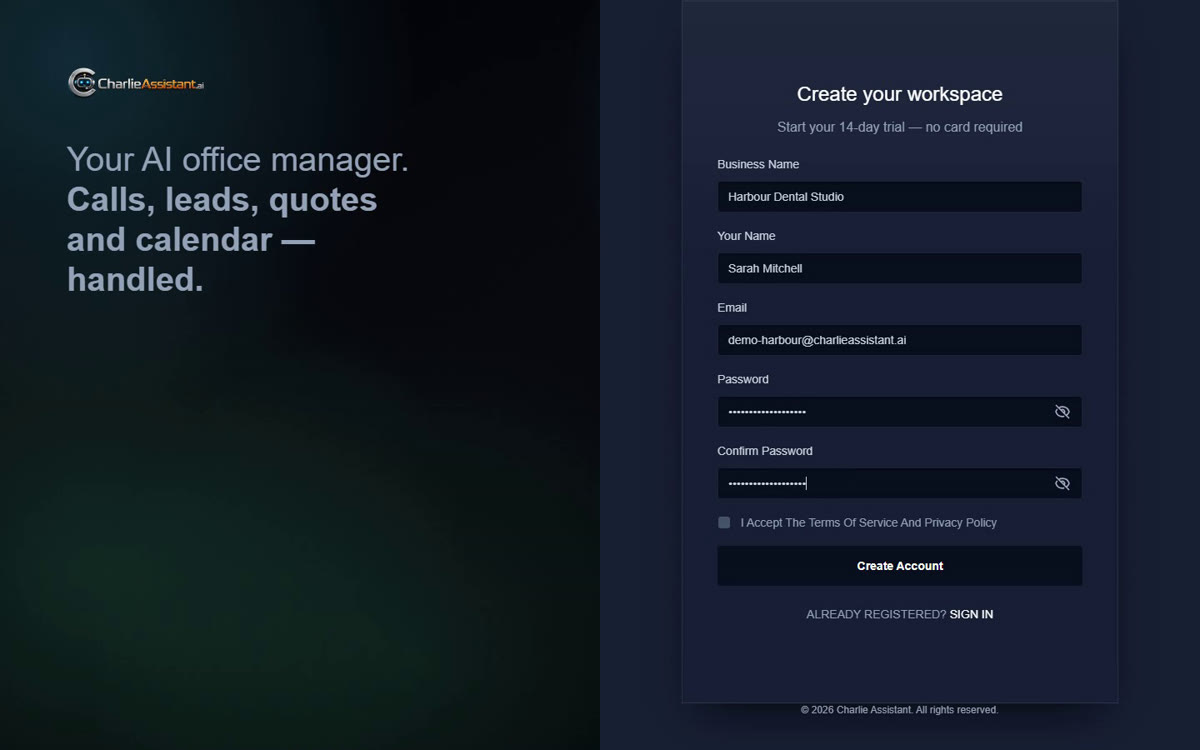
Go to app.charlieassistant.ai and create your workspace: business name, your name, email and a password. Charlie emails you a six-digit code to confirm it’s really you — type it in and you land straight in setup.
Step 1 — your business, in your own words
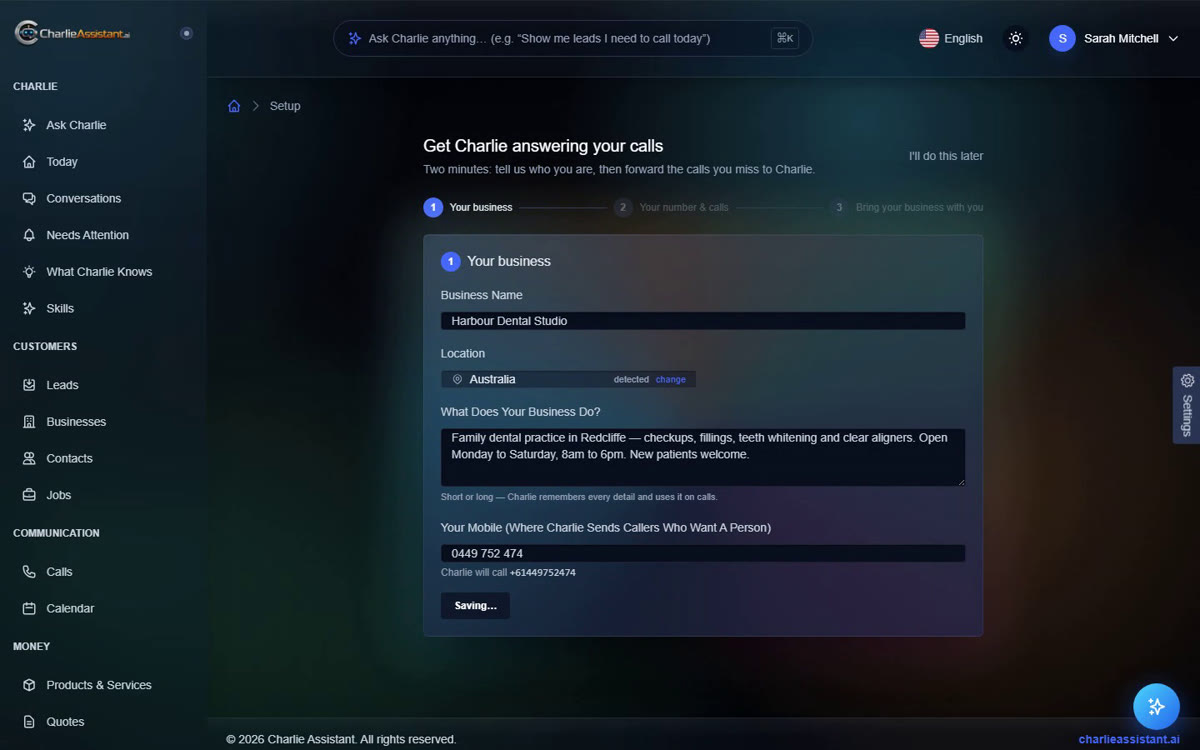
There is no industry dropdown. Tell Charlie what your business does the way you’d tell a new employee — services, prices, quirks, anything. Charlie remembers every detail and uses it on real calls. Then add your mobile: that’s where Charlie transfers callers who need a person.
Steps 2 and 3 — your number, your data
Charlie gives your business its own phone number. Keep your existing number and forward missed calls to it — the wizard shows the exact dial codes for your carrier and verifies forwarding with a real test call.
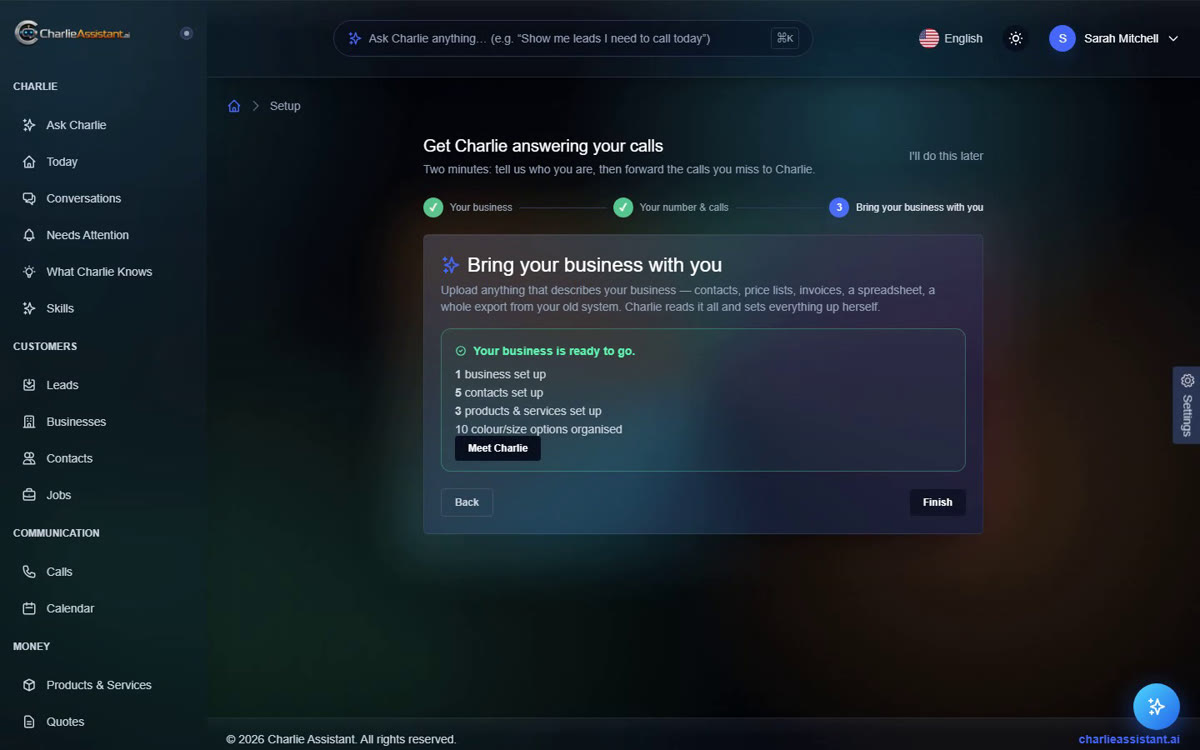
Finally, bring your business with you: upload price lists, client spreadsheets or an export from your old system, and Charlie reads it all and sets up your products, services and clients itself.