Integrations & data · 2 min read
Google Calendar sync
One calendar truth — bookings out, busy times in.
Connect Google Calendar from the Integrations page (one click, Google’s own consent screen) and the sync runs both ways:
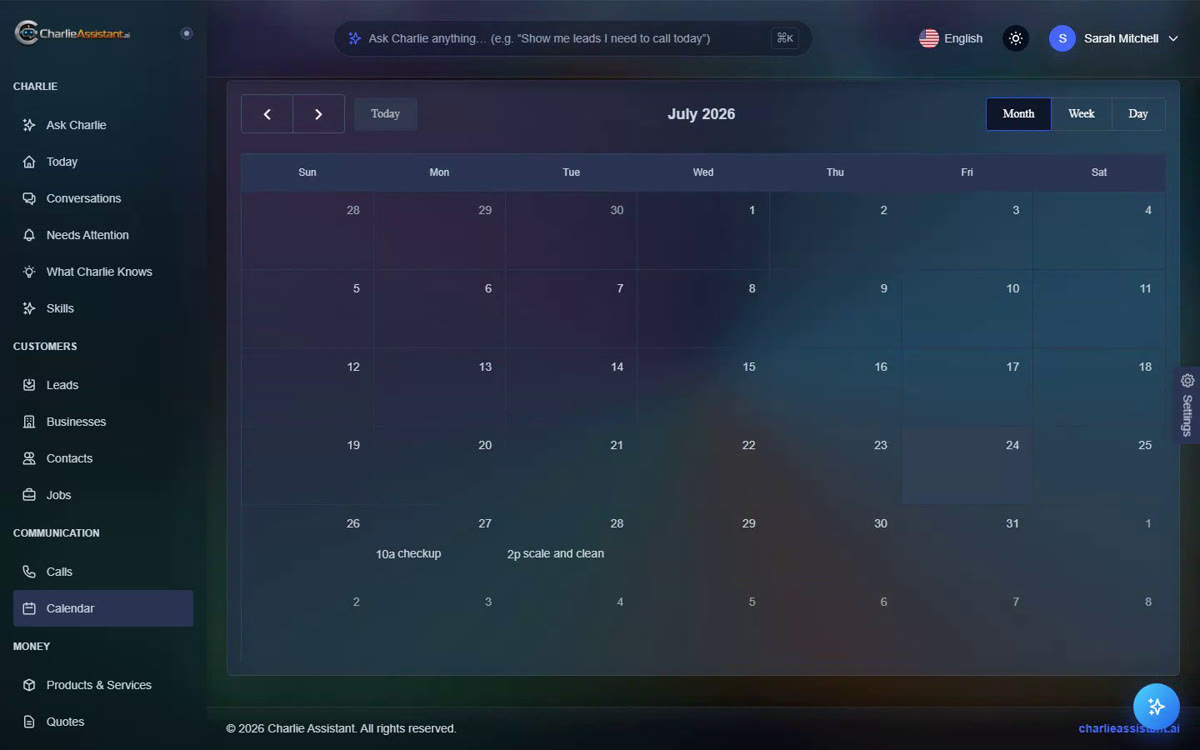
Bookings Charlie makes appear in your Google Calendar within moments — and if an appointment is cancelled in Charlie, it leaves your calendar too.
Your Google busy times block Charlie’s bookings. Privacy matters here: Charlie only sees THAT you’re busy, never what your personal events are. Callers simply hear that the time is taken and get offered another.
Ready to meet your AI employee?
Try Charlie Live